.png)
Power Automate
Workflow Design
Say goodbye to repetitive manual work. From approvals and notifications to connecting your Microsoft 365 apps and external services, we design workflows that run in the background - so your team can focus on what matters.
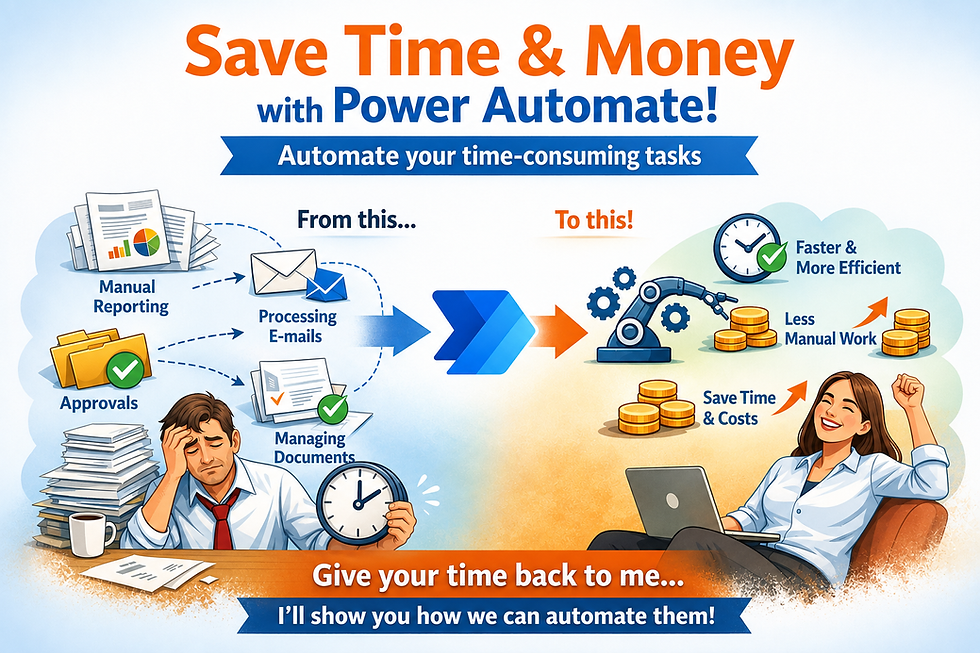
Every business has a list of tasks nobody wants to do twice a day.
Copying data between systems. Chasing approval emails. Manually notifying a team when something changes. Power Automate exists to kill that busywork - and we build the flows that do it.
CreativD-Sign designs custom Power Automate workflows that connect Microsoft 365 apps (Outlook, SharePoint, Teams, Excel) with the external tools you already rely on, so information moves automatically and accurately, every time.
What's included
Every engagement is scoped around your actual process - here's the full toolkit we draw from.
Approval workflows
Single-stage, multi-stage, and conditional routing built around who actually needs to sign off.
Automated notifications
Let’s uncover where your team loses time and how an automated workplace can help.
Data sync
Between SharePoint, Excel, Dataverse, and the third-party apps you already use.
Scheduled automations
Automated reports, reminders, and backups - on schedule, no remembering required.
External integrations
Connectors and APIs linking Power Automate to the services your workflow depends on.
Error handling
Failure notifications and fallback logic built into every flow - not added after things break.
How it works
Five steps, start to finish - no long discovery phase, no black box in the middle.
01
Discovery call
We map your current manual process step by step - including the parts nobody's written down.
02
Workflow design
We architect the flow logic and identify the right triggers and connectors for your systems.
03
Build & test
We build in a sandbox environment and test against real scenarios before anything goes live.
04
Deploy & train
We roll it out and walk your team through how to use it and keep it up to date.
05
Ongoing support
Monitoring and adjustments as your process evolves, so the flow keeps working as you grow.
What you get back
Time
Hours saved per week on manual, repetitive tasks your team no longer has to touch.
Accuracy
Fewer human errors in approvals, data entry, and handoffs between systems.
Speed
Faster response times on time-sensitive processes, without having to follow up.
Visibility
Full clarity into where a request or task stands at any point in the process.
Scale
Workflows that grow with your business, no re-hiring for admin work as volume increases.
04
Get answers to common questions about Workplace Automation
Do we need to know how to use Power Automate before working with you?
What happens if a workflow breaks or stops running?
Can you automate a process that involves people outside our organization?
Do we need to know how to use Power Automate before working with you?
Not at all. We handle the design, build, and testing of every workflow from start to finish. We'll walk you through what was built and how to monitor it, but you don't need any prior Power Automate experience. Most of our clients never open the Power Automate canvas themselves.
What happens if a workflow breaks or stops running?
We build error handling and failure notifications into every flow we create, so if something goes wrong, the right person is alerted straight away rather than discovering a problem days later. We also provide documentation, so your team understands what each flow does.
Can you automate a process that involves people outside our organization?
Yes. Power Automate can trigger actions based on inputs from external users, such as a customer filling out a form, a supplier sending an email, or a partner approving a document via a shared link. We'll design the flow to handle both internal and external touchpoints cleanly.